 3Taps
Test 3Taps on Google Play
3Taps is in testing on Google Play before it opens to everyone. Join in two taps, install it from Google Play, and it updates itself like any other app.
- Premium free for life. Testers get every Premium feature, Guardian Mode too, and keep it after 3Taps opens to everyone. Nothing is charged.
- Android 8 and newer. 3Taps isn't available on iPhone.
- No waiting for approval. Joining the tester group lets you in straight away.
Each button opens in a new tab, so this page stays where you left it. When a step is done, press Back (or come back to this tab) for the next one.
-
Join the tester group
Sign in with the same Google account you use on your phone, then tap Join group. You won't get group emails; it's only the list of testers.
Join the tester groupJoined? Step 2 is next. Open the group again
-
Become a tester
Open the testing page and tap Become a tester. If it says the app isn't available, wait a few minutes after joining the group and try again.
Open the testing pageBecame a tester? Install it in step 3. Open the testing page again
-
Install from Google Play
Tap Download it on Google Play on the same page, or search Google Play for 3Taps: Minimalist Launcher. Then open 3Taps and follow the short setup; you can skip any step and finish later.
3Taps on Google Play
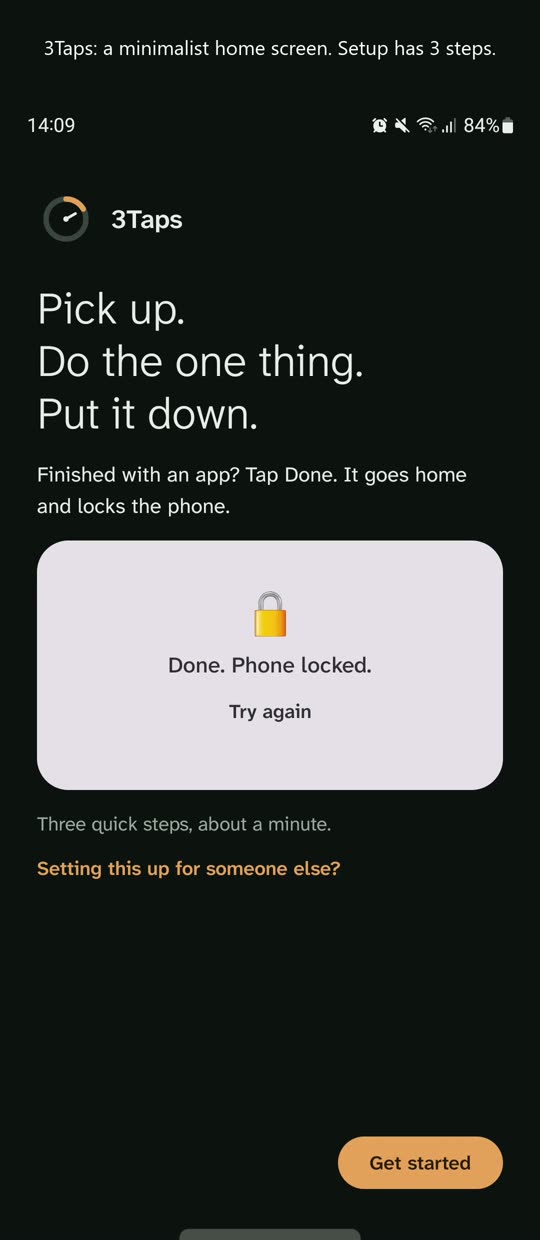
See the setup before you start
90 seconds on a real phone: making 3Taps the home screen, choosing apps, and turning on 3Taps Guard in Android's Accessibility settings. Guard is what shows the Done button; it never reads your messages or what's inside your apps.
Recorded on a Samsung phone; menu names differ a little on other phones. The video plays from YouTube once you tap it.
Already using the 3Taps β download?
That early version has ended. Install 3Taps from Google Play as above, then uninstall 3Taps β. Settings and notes don't carry over, so send any notes you want to keep to a connected service first.
To uninstall 3Taps β: if you allowed Turn the screen off, switch it off first in 3Taps β › Settings › Home & Done, or in Android Settings › Security › Device admin apps. Then uninstall as usual.
Good to know
- Premium for life, as a thank-you: Guardian Mode, Strict Mode, schedules and the rest stay unlocked on your phone after 3Taps opens to everyone. It's kept in 3Taps on your phone, so if you uninstall or change phones, email [email protected] and we'll restore it.
- Share 3Taps with a friend: your code is in Settings › 3Taps Premium. Tap Share; when 3Taps opens to everyone, friends who install it from your link get an extra month of Premium on top of the free first month.
- Google Docs and Google Tasks: while testing, Google may show "Google hasn't verified this app" when you connect them. Tap Advanced › Go to 3Taps to continue. Notion, Todoist, OneNote and Microsoft To Do work as usual.
- To switch back to your old home screen: Settings › Turn off 3Taps. Home then takes you straight to your previous home screen. To turn it on again, open 3Taps from your apps and tap Turn on.
- To leave the test: open the testing page above and tap Leave the program, then uninstall 3Taps.
Feedback
Testing is how 3Taps gets better, so tell us what works and what doesn't: in the app at Settings › Help & privacy › Send feedback (you see everything before it's sent), on the Google Play page as private test feedback, or by email to [email protected].